> ## Documentation Index
> Fetch the complete documentation index at: https://moregyms.mintlify.site/llms.txt
> Use this file to discover all available pages before exploring further.
# Home
> View your page analytics and to-do list
## Analytics
### Profile Clicks
A profile visit is when a user finds your gym either on the web or on our mobile app. When a user clicks on your page it increases your profile click by one. To increase your profile clicks, you can add more amenities, equipment, and services.
To increase your profile clicks, we recommend that you add more amenities, equipment, and services.
### Graph
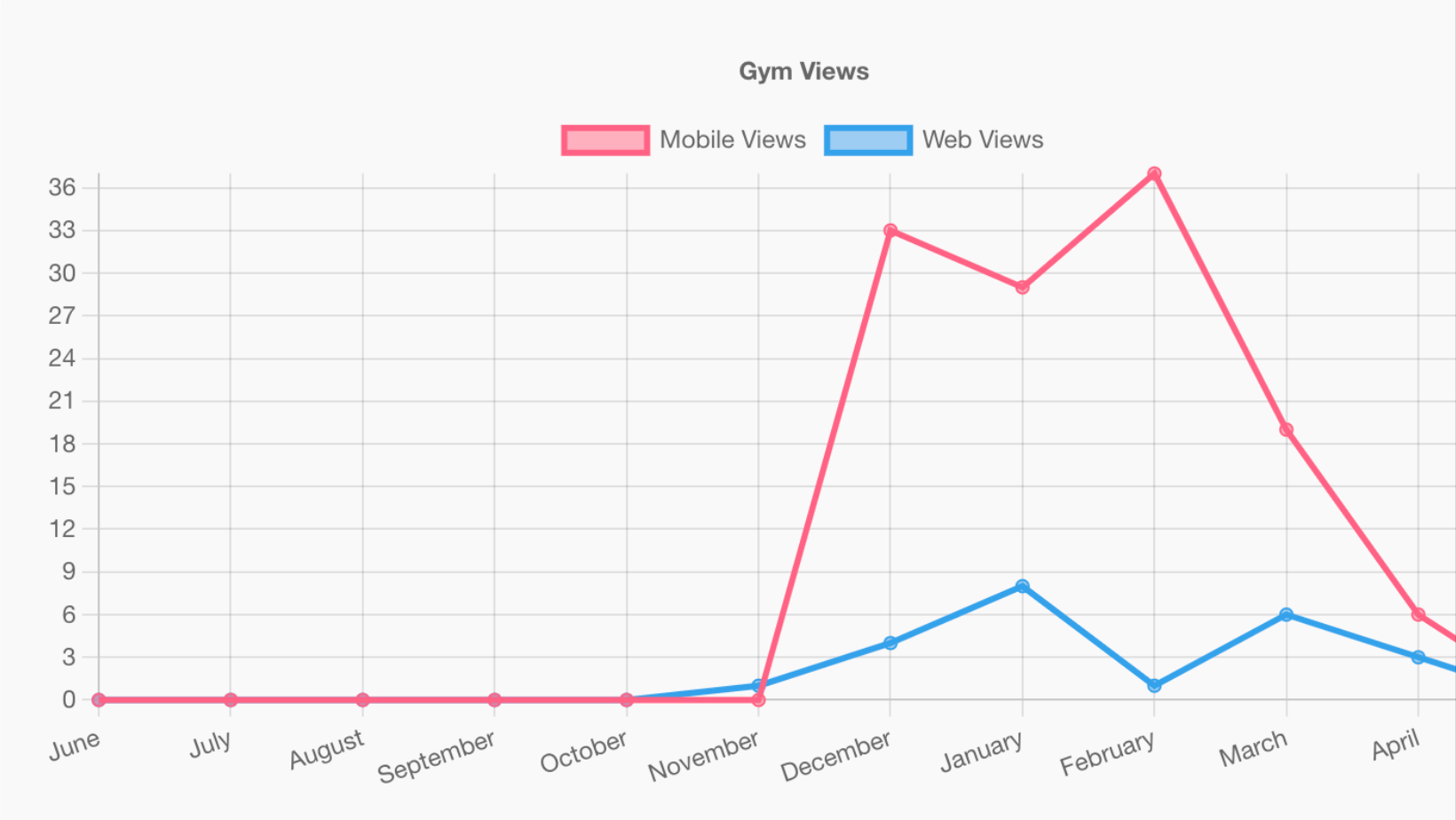 The graph is a great way to visually see where your page traffic is coming from. To view only mobile traffic click on the `Web Views`. If you wanted to just see the web traffic, you would click on the `Mobile Views` key.
## To-do list
The to-do list is there for you to keep track of what tasks need to be done in order for your page to stand out. Once a task is completed it will have a checkmark next to the item.
The graph is a great way to visually see where your page traffic is coming from. To view only mobile traffic click on the `Web Views`. If you wanted to just see the web traffic, you would click on the `Mobile Views` key.
## To-do list
The to-do list is there for you to keep track of what tasks need to be done in order for your page to stand out. Once a task is completed it will have a checkmark next to the item.